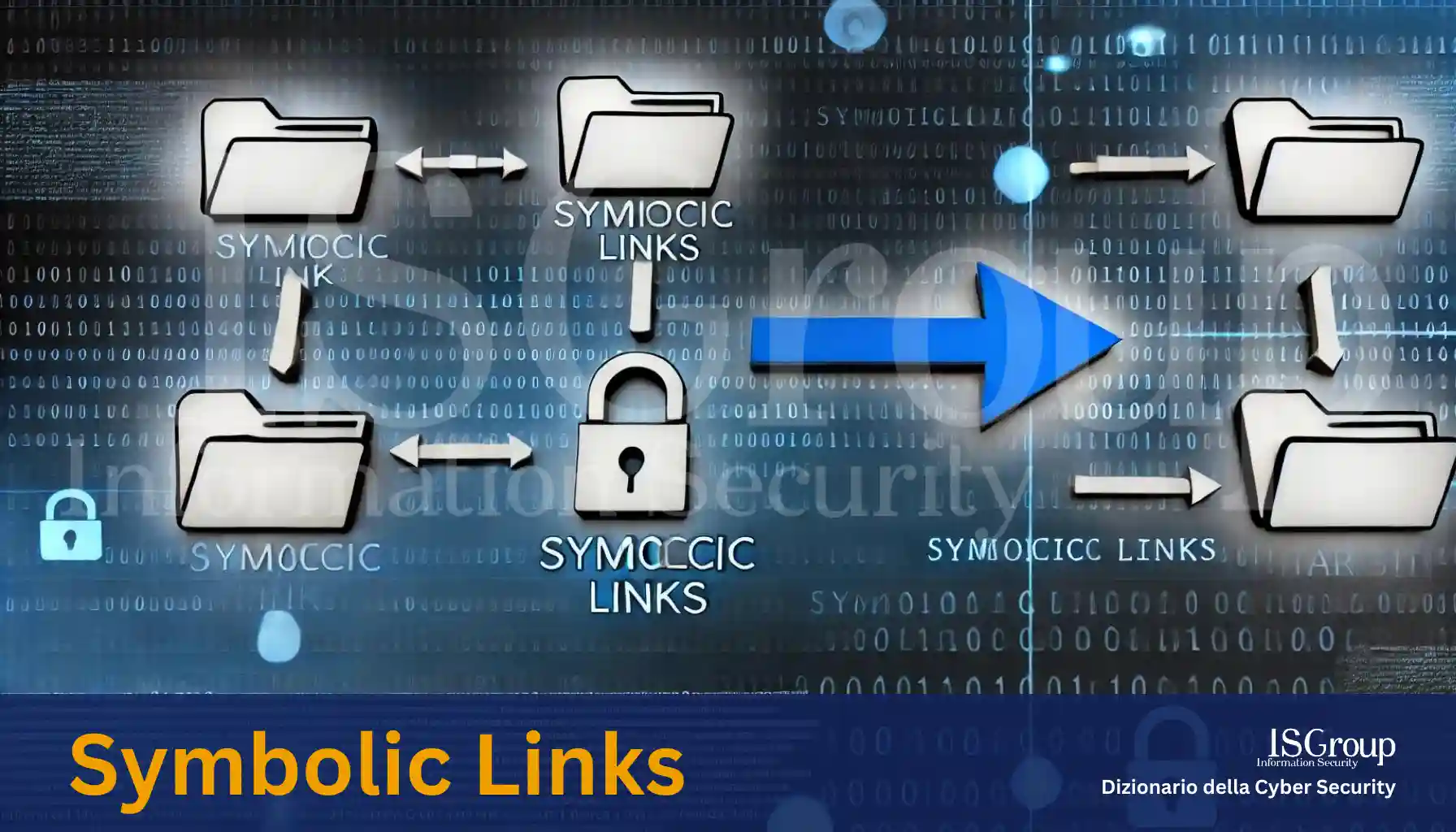
Symbolic links, also known as “symlinks” or “soft links,” are special files that point to another file or directory. Unlike hard links, which link directly to the physical data on the disk, symbolic links create a reference path to the original file. In other words, a symbolic link is a file that contains a reference, or “pointer,” to the path of another file or directory.
How They Work
When you create a symbolic link, you are creating a new file that contains the path to the target file. This allows you to access the target file via the symbolic link as if it were a copy of the original file. However, unlike actual copies, symbolic links do not take up much disk space because they only contain the path to the original file and not its actual data.
Advantages of Symbolic Links
- Flexibility: Symbolic links can point to files or directories located on different filesystems, offering great flexibility in file management.
- Space Saving: Since symbolic links only occupy the space required to store the target file path, they save disk space compared to creating file copies.
- Ease of Management: They allow you to organize and access files from different locations without having to duplicate data, simplifying the management of files and directories.
Creating a Symbolic Link
Creating a symbolic link varies depending on the operating system used. For example, on Unix and Linux systems, the ln -s command is used to create a symbolic link. The syntax is as follows:
bashCopy codeln -s /path/to/target/file /path/to/link
Considerations
- Breakage: If the target file is deleted or moved, the symbolic link becomes “broken” and will no longer work, resulting in an invalid pointer.
- Permissions: The permissions of the symbolic link may differ from those of the target file, which could affect access to the file.
- Link Cycles: Creating cycles of symbolic links (where one link points to another that eventually points back to the first) can cause path resolution issues and should be avoided.
Conclusion
Symbolic links are powerful tools for file management, offering an efficient solution for accessing and organizing files without duplicating them. Understanding and correctly using symbolic links can significantly simplify working with large file and directory systems, making them an essential component in the arsenal of a system administrator or an advanced user.
Want to give your company the highest level of cyber security? ISGroup SRL is here to help with cyber security solutions tailored to your business.
Would you like us to take care of everything for you? Our Virtual CISO and vulnerability management services are a perfect fit for your organization.
Already know what you need? Explore our services:
- Vulnerability Assessment
- Network Penetration Testing
- Web Application Penetration Testing
- Mobile Application Security Testing
- Ethical Hacking
- Training
And much more. Protect your company with the best cybersecurity experts!