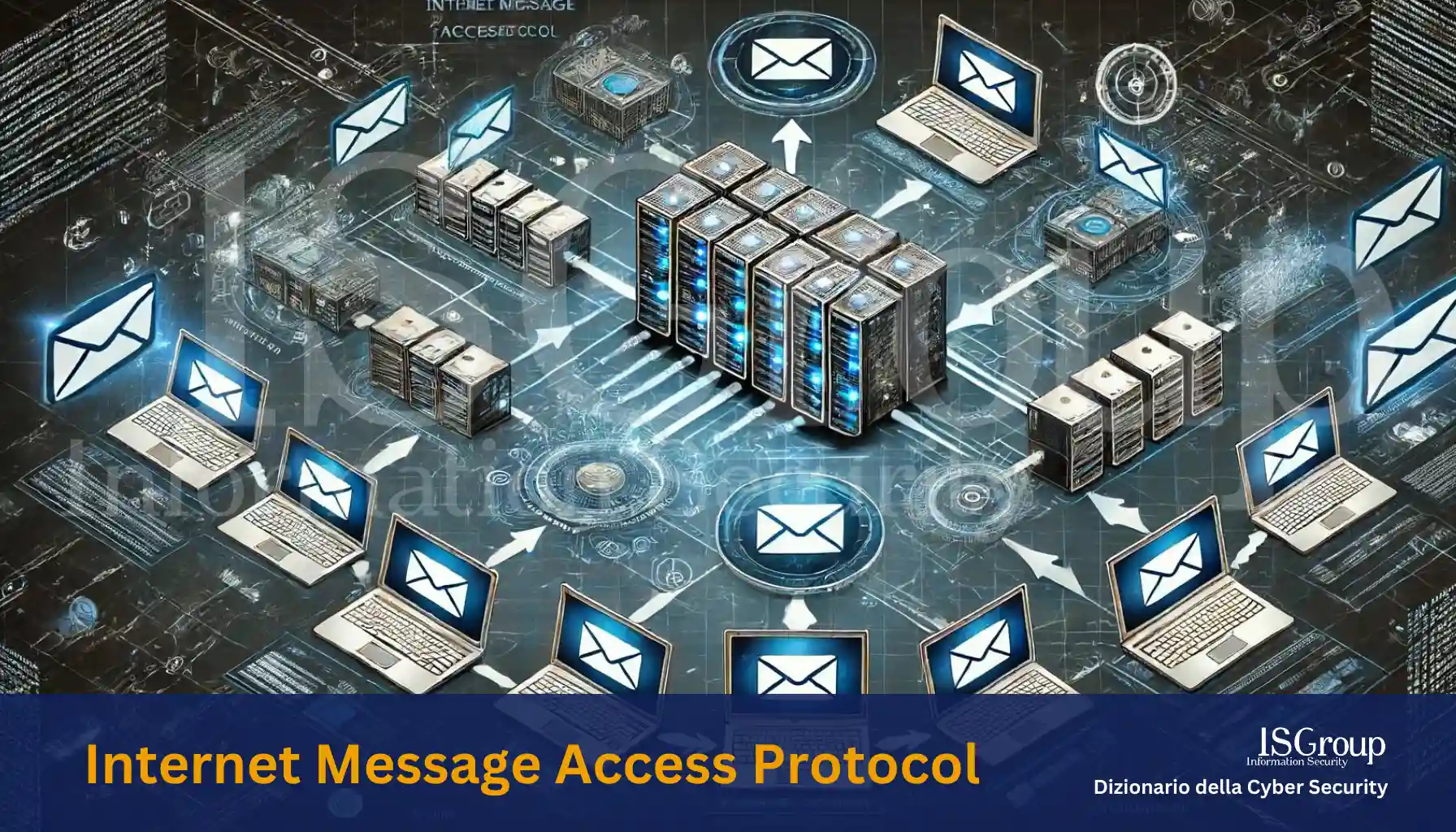
Internet Message Access Protocol (IMAP) is a protocol that defines how a client should retrieve mail from and return mail to a mail server. IMAP was conceived as a replacement for or an extension to the Post Office Protocol (POP). This protocol is described in detail in RFC 1203 (version 3) and RFC 2060 (version 4).
IMAP offers several advanced features compared to POP, making it a preferred choice for many users and system administrators. Among the main features of IMAP are:
- Message Synchronization: With IMAP, email messages are stored on the server and synchronized across different devices. This allows users to access their mail from various devices without losing any messages.
- Folder Management: IMAP allows users to organize their messages into folders directly on the server. This feature is particularly useful for keeping email organized and easily accessible.
- Selective Message Access: Users can preview messages and download only those they want. This is useful for saving bandwidth and storage space on local devices.
- Message Status: IMAP maintains information about message status, such as whether a message has been read, replied to, or flagged. This helps users better manage their communications.
- Offline Operations: Although IMAP requires an internet connection for synchronization, many IMAP clients offer the ability to work offline. Users can read, write, and organize messages while offline, with changes being synchronized as soon as a connection becomes available.
Differences between IMAP and POP
While POP (Post Office Protocol) is a simpler protocol that downloads messages from the server and saves them locally on the user’s device, IMAP leaves messages on the server and synchronizes them with the user’s devices. This makes IMAP more suitable for those who access mail from multiple devices or who need centralized email organization.
Conclusion
IMAP represents an important evolution in email management, offering greater flexibility, accessibility, and organization compared to previous protocols like POP. Its ability to synchronize messages across different devices and manage folders directly on the server makes it an ideal choice for modern users who require constant and organized access to their email.
Want to give your company the highest level of cyber security? ISGroup SRL is here to help with cyber security solutions tailored to your business.
Would you like us to take care of everything for you? Our Virtual CISO and vulnerability management services are a perfect fit for your organization.
Already know what you need? Explore our services:
- Vulnerability Assessment
- Network Penetration Testing
- Web Application Penetration Testing
- Mobile Application Security Testing
- Ethical Hacking
- Training
And much more. Protect your company with the best cybersecurity experts!