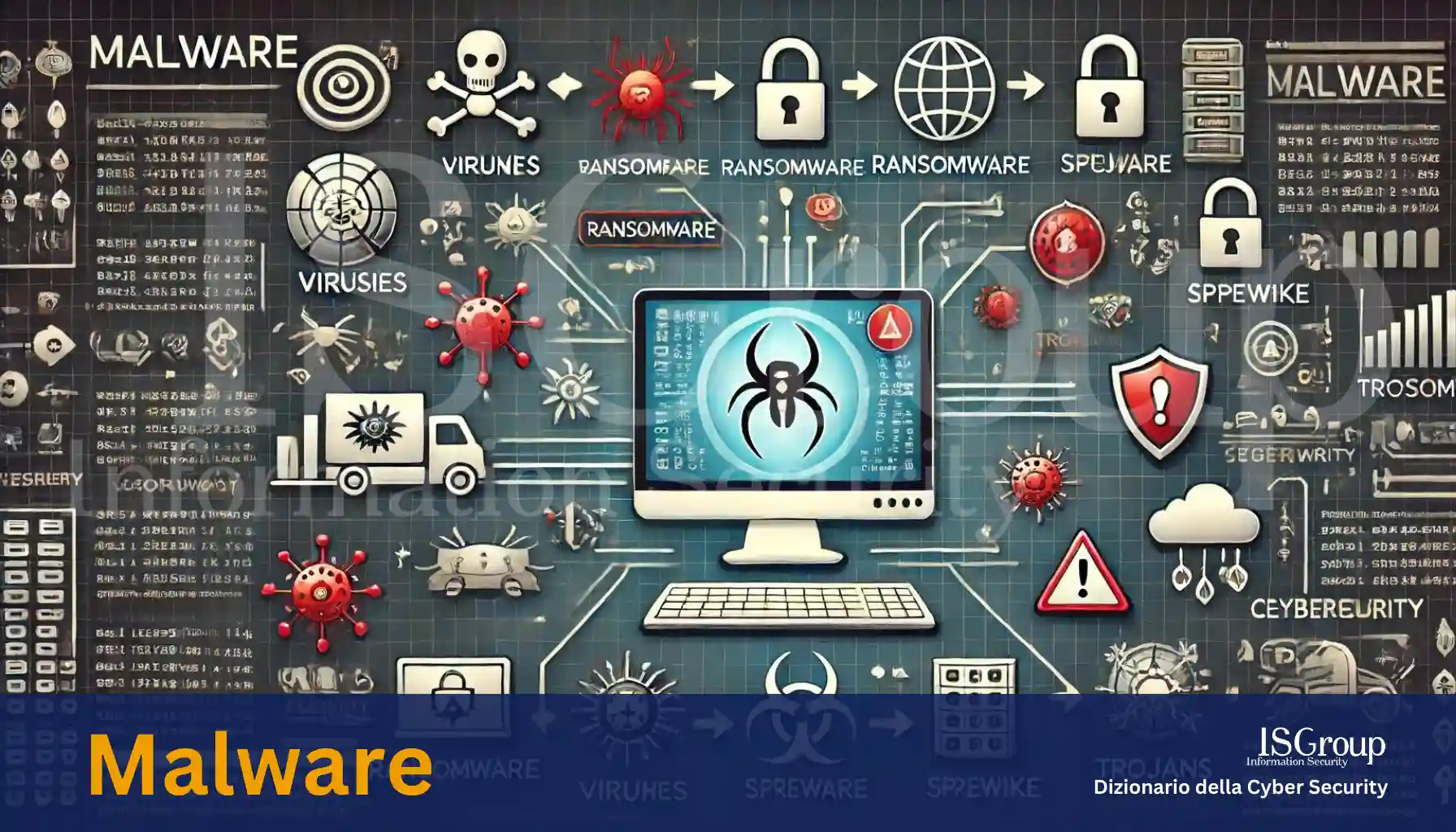
The term “malware” is an abbreviation for “malicious software” and is used as a generic term to indicate a series of different types of malicious code designed to infiltrate, damage, or disable computers, networks, and mobile devices without the user’s consent. Malware can take many forms and is intended to cause various types of damage.
Types of Malware
- Virus: A virus is a type of malware that attaches itself to legitimate files and spreads when these files are copied and sent to other users. Viruses can damage data, compromise system performance, and even render it unusable.
- Worm: Unlike viruses, worms can spread autonomously from one computer to another without needing to attach themselves to existing files. They use networks to propagate, exploiting operating system vulnerabilities.
- Trojan: Also known as a “Trojan horse,” this type of malware presents itself as legitimate or useful software to trick the user into installing it. Once installed, it can steal sensitive information, create backdoors in the system, or cause other damage.
- Spyware: Spyware collects information about users without their consent, often by monitoring online activities, collecting login data and passwords, or recording keystrokes (keylogging).
- Adware: Although less harmful than other types of malware, adware is designed to display unwanted advertisements to the user. It can slow down the system and compromise the browsing experience.
- Ransomware: One of the most dangerous types of malware, ransomware encrypts the user’s data and demands a ransom to provide the decryption key. This type of attack can have devastating consequences for both individual users and organizations.
How to Protect Yourself from Malware
Protection against malware requires a combination of cybersecurity practices and the use of reliable security software. Here are some fundamental tips:
- Install and regularly update antivirus and antimalware software: These tools can detect and remove many forms of malware.
- Keep your operating system and software up to date: Software vulnerabilities are often exploited by malware. Updates include security patches that fix these flaws.
- Be cautious with emails and downloads: Do not open attachments or click on links from unverified or suspicious sources.
- Perform regular backups: Backups allow you to recover data in the event that malware, such as ransomware, compromises your files.
- Use firewalls: Firewalls can prevent unauthorized access to devices and networks.
Conclusion
Malware represents a significant threat in the cybersecurity landscape. Understanding the different types of malware and adopting preventive measures can help protect your data and systems from infection and damage. Awareness and vigilance are essential tools in the defense against these malicious codes.
Want to give your company the highest level of cyber security? ISGroup SRL is here to help with cyber security solutions tailored to your business.
Would you like us to take care of everything for you? Our Virtual CISO and vulnerability management services are a perfect fit for your organization.
Already know what you need? Explore our services:
- Vulnerability Assessment
- Network Penetration Testing
- Web Application Penetration Testing
- Mobile Application Security Testing
- Ethical Hacking
- Training
And much more. Protect your company with the best cybersecurity experts!