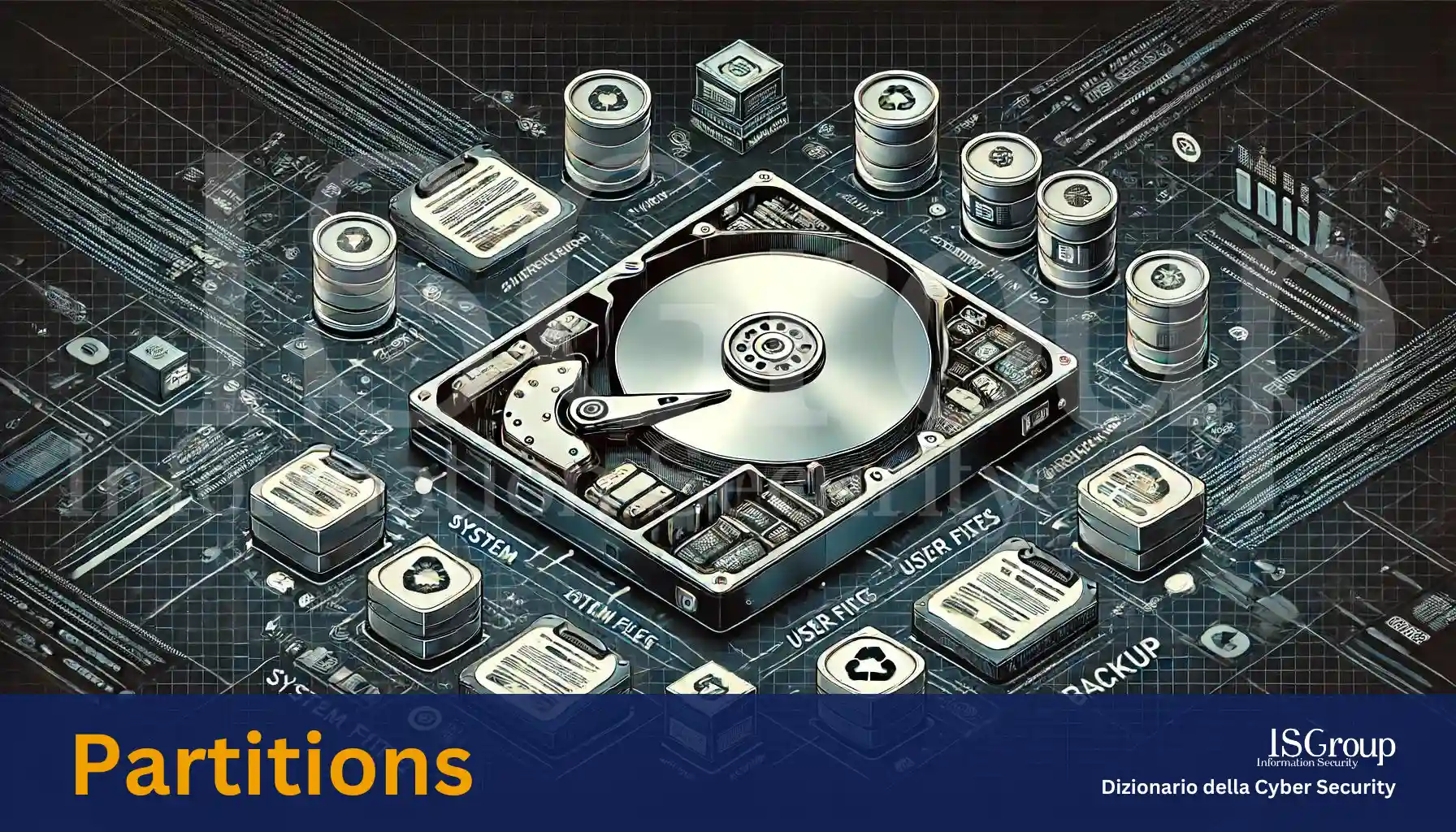
Partitions are the main divisions of the total physical space of a hard drive. They represent a logical subdivision that allows for more efficient and organized storage space management. Partitions allow data to be separated into different segments, each of which can be managed as if it were an independent disk.
Types of Partitions
There are various types of partitions that can be created on a hard drive:
- Primary Partition: This is the main partition of the disk. A hard drive can have up to four primary partitions. One of these can be set as active, which means the operating system will boot from this partition.
- Extended Partition: Since a hard drive can only have four primary partitions, an extended partition can be created to overcome this limit. Within an extended partition, several logical drives can be created.
- Logical Partitions: These are located within the extended partition and allow for more than four usable partitions on a single disk.
Functions and Benefits
Partitions offer several benefits and functions:
- Data Organization: They allow data to be organized more efficiently, for example, by separating the operating system from personal data or backup files.
- Security: In the event of file system corruption in one partition, the other partitions remain intact, reducing the risk of total data loss.
- Multi-boot: They allow multiple operating systems to be installed on the same disk, each in a different partition, facilitating the use of different environments on the same computer.
- Management and Maintenance: They facilitate system management and maintenance, allowing partitions to be formatted, resized, or moved without affecting the entire disk.
Creation and Management
The creation and management of partitions can be performed using various software tools, available for both Windows and Linux operating systems. Some of the most common include:
- Windows Disk Management: A built-in tool in Windows that allows you to create, resize, and manage partitions.
- GParted: A powerful open-source partitioning tool available for Linux.
- Disk Utility: A disk management utility available on macOS.
Conclusion
Partitions are a fundamental element in managing the storage space of a hard drive. They allow for optimizing disk usage, improving data security, and facilitating the management of the operating system and personal data. With proper partition management, it is possible to keep the computer organized, efficient, and secure.
Want to give your company the highest level of cyber security? ISGroup SRL is here to help with cyber security solutions tailored to your business.
Would you like us to take care of everything for you? Our Virtual CISO and vulnerability management services are a perfect fit for your organization.
Already know what you need? Explore our services:
- Vulnerability Assessment
- Network Penetration Testing
- Web Application Penetration Testing
- Mobile Application Security Testing
- Ethical Hacking
- Training
And much more. Protect your company with the best cybersecurity experts!